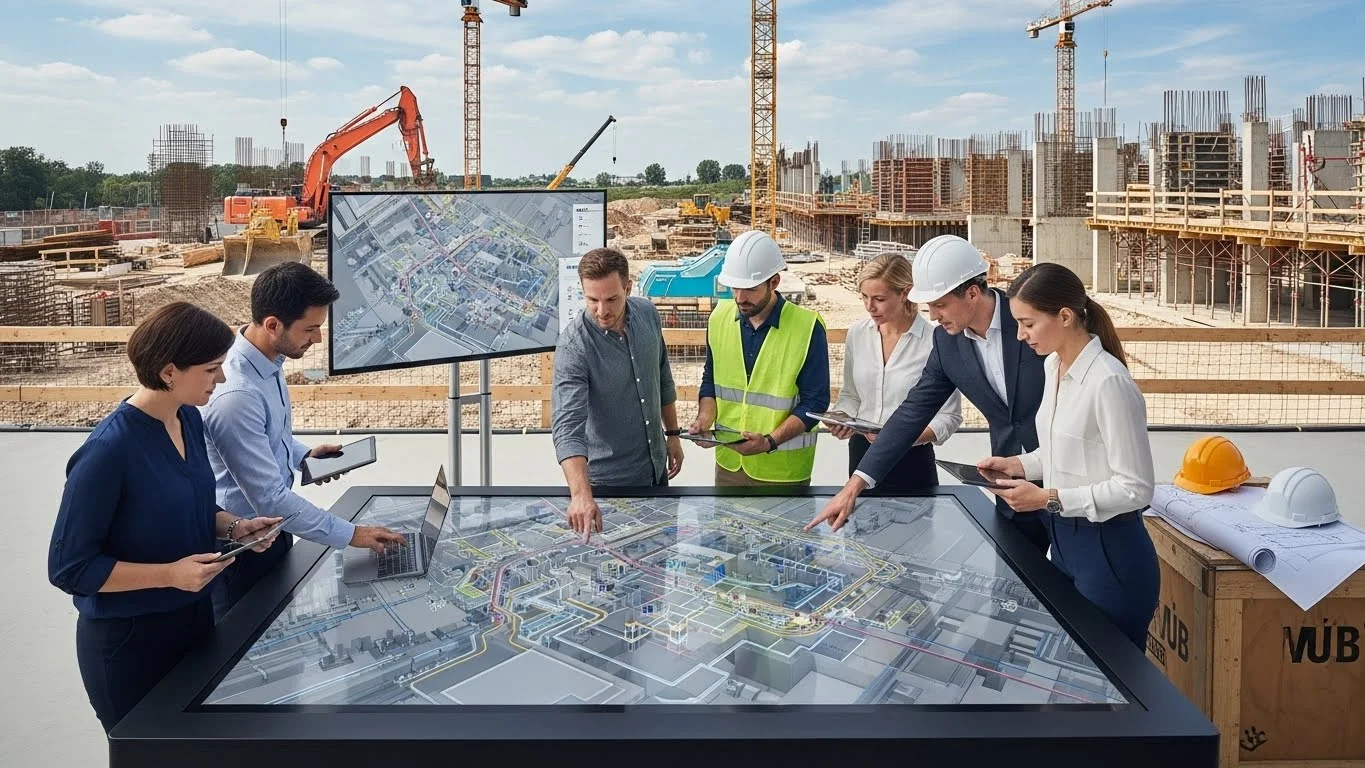
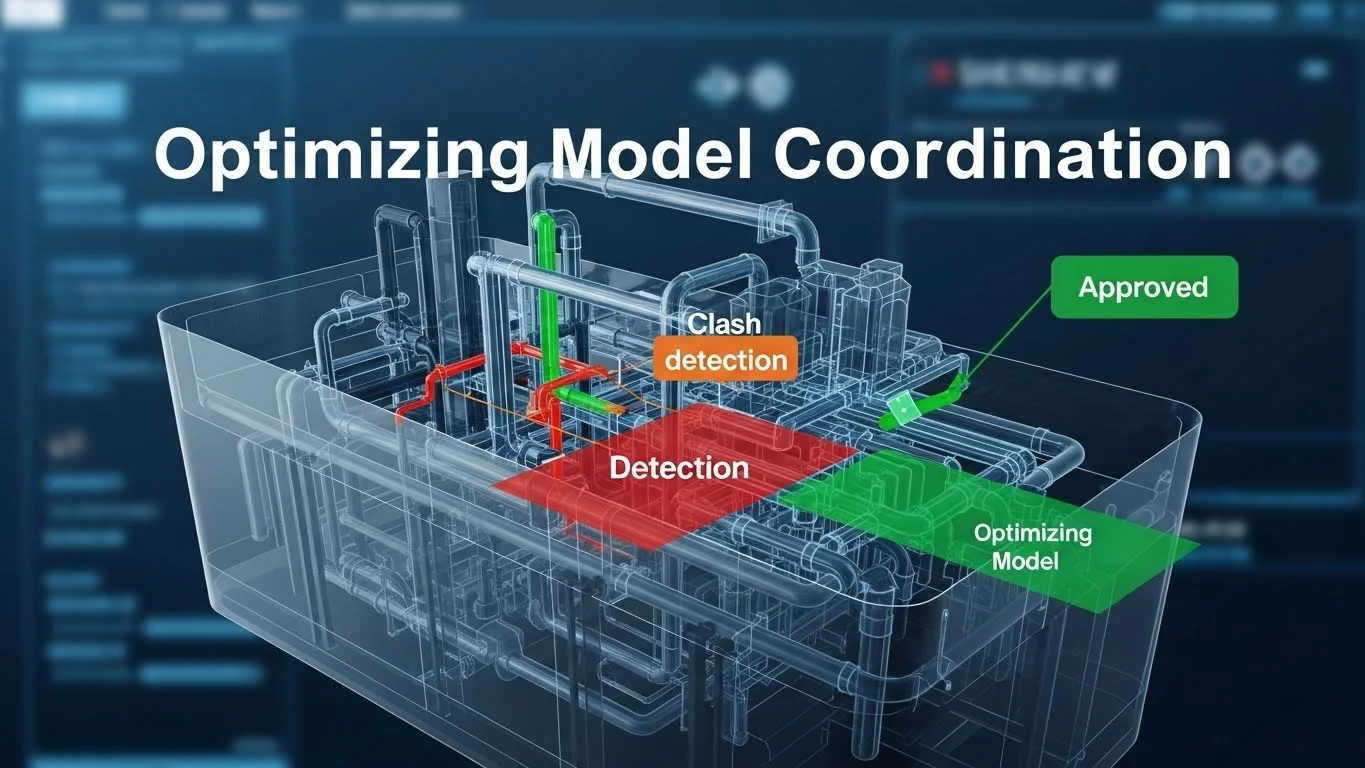
This comprehensive guide serves as the central resource for understanding that Building Information Modeling (BIM) is not merely software, but a paradigm shift combining tools, processes, and behaviors. It traces the flow of information from project planning contracts to the final handover for operations, emphasizing the elimination of waste and the improvement of team integration. By moving beyond "BIM washing" and adopting a lifecycle approach, organizations can unlock the true value of digital construction, reducing the estimated $500 billion in industry waste and optimizing the Total Cost of Ownership (TCO).
The Technology Renaissance in Construction
The construction industry is currently navigating a period of profound transformation, a "technology renaissance" driven largely by the adoption and evolution of Building Information Modeling (BIM). For decades, the industry has lagged behind sectors like manufacturing in terms of productivity and digitization, often operating in fragmented "silos" where critical data is lost at every handoff—from design to engineering, to construction, and finally to operations. This disconnected approach has fostered a litigious environment plagued by waste, schedule delays, and cost overruns. In 2007 alone, waste generated by inefficiency and bad behavior in the U.S. construction industry was estimated at $500 billion. The promise of BIM is to reverse this trend by allowing teams to build a structure virtually before a single shovel hits the ground, enabling deep analysis, sequencing, and exploration in a risk-free digital environment where changes cost pennies compared to the thousands they cost in the field.
The Promise of BIM: Beyond Visualization
BIM is frequently misunderstood as a mere 3D visualization tool—a way to make pretty pictures for marketing. While the visual component is compelling, the true power of BIM lies in its "Information" aspect—the database capabilities that underpin the geometry. It represents a fundamental shift from static, disconnected documents to integrated, dynamic information flows. This shift allows for the elimination of waste by fostering genuine collaboration, ensuring that all stakeholders—from architects to mechanical subcontractors—are working from a "single source of truth." The industry must move beyond the "snapshot" approach, where models are updated sporadically, to a continuous flow of information that supports decision-making throughout the entire project lifecycle.
The Three-Legged Stool: Processes, Technologies, Behaviors
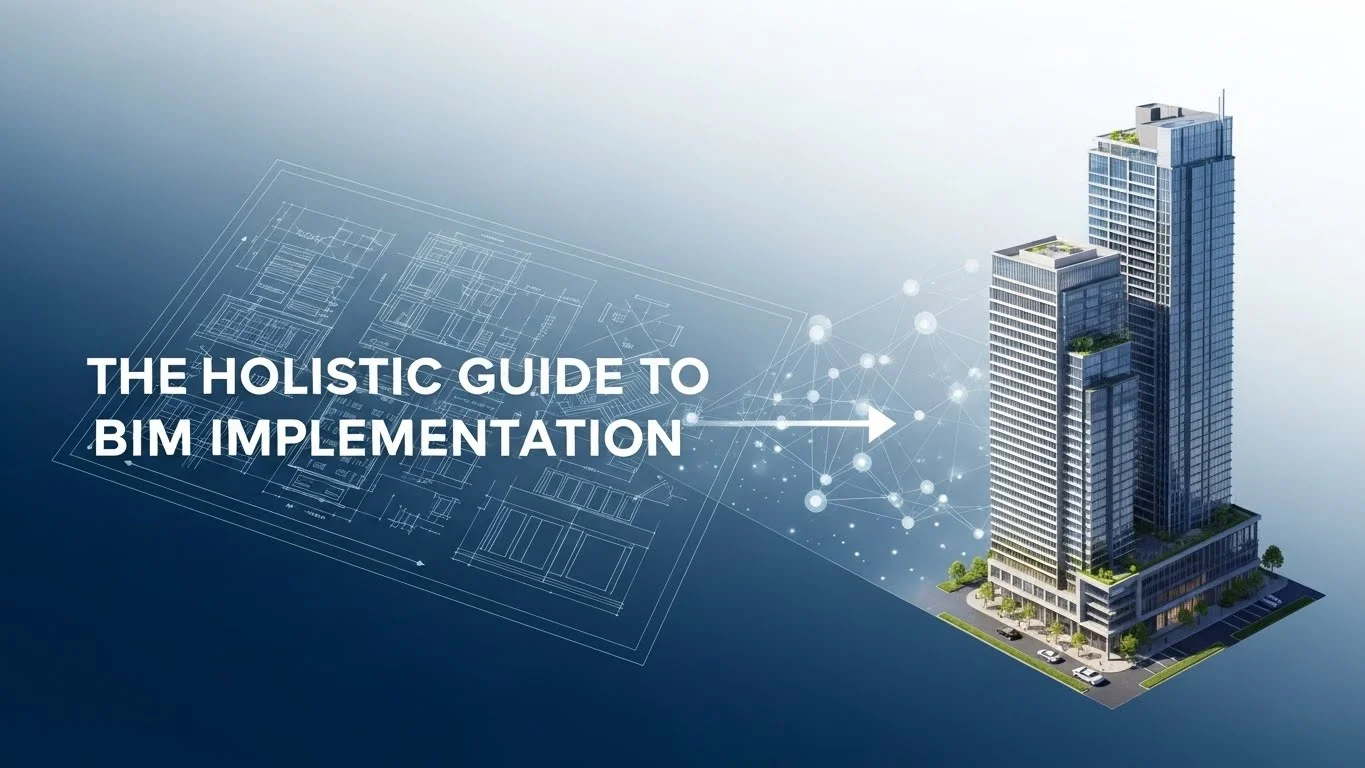
A common failure mode in BIM implementation is treating it solely as a software upgrade. True success relies on a "three-legged stool" approach, balancing Processes, Technologies, and Behaviors. If any one of these legs is missing, the platform collapses.
- Processes: Implementing advanced tools into antiquated workflows creates waste. For instance, many firms adopt clash detection software but continue to run coordination meetings using traditional 2D processes. This often results in decreased efficiency, as teams burn valuable time in meetings rather than resolving issues. Processes must evolve to leverage the real-time nature of BIM, shifting from periodic "clash meetings" to continuous, cloud-based conflict resolution. We must discern between "Innovation" (radical rethinks) and "Kaizen" (small, iterative improvements) to adapt our workflows effectively.
- Technologies: This involves the strategic selection of hardware and software. Firms often fall into the "pile on" trap—adding new tools on top of existing ones without removing the old, creating confusion and redundancy. A more mature "process first" strategy involves defining how the team wants to work and then selecting the technologies that support that vision. Whether it is cloud collaboration or mobile field apps, the technology must serve the process, not dictate it.
- Behaviors: This is arguably the most difficult leg to stabilize. BIM requires a massive cultural shift from hoarding information to sharing it. It demands a collaborative mindset where teams trust one another and prioritize the project's success over individual risk mitigation. As Scott Simpson of Kling Stubbins noted, "BIM is 10 percent technology and 90 percent sociology". Without the right behaviors, even the most advanced technology stack will fail to deliver value.
Moving Beyond "BIM Washing"
As BIM adoption accelerates, the industry has seen a rise in "BIM washing"—where firms claim BIM capabilities to win work but lack the expertise or intention to deliver on those promises. This leads to a degradation of trust. True implementation focuses on delivering clear, demonstrable value, not just "checking the BIM box" to satisfy an RFP. It involves setting measurable goals—such as zero field conflicts, 100% accurate quantity takeoffs, or a fully populated asset database—and using BIM to rigorously achieve them.
II. Strategic Planning: Setting the Foundation
The trajectory of a BIM project is determined long before modeling begins. It starts with strategic planning, contract formation, and the alignment of the project team. Jumping into modeling without a plan is a recipe for disaster; success is defined by how well the use of BIM is planned and communicated.
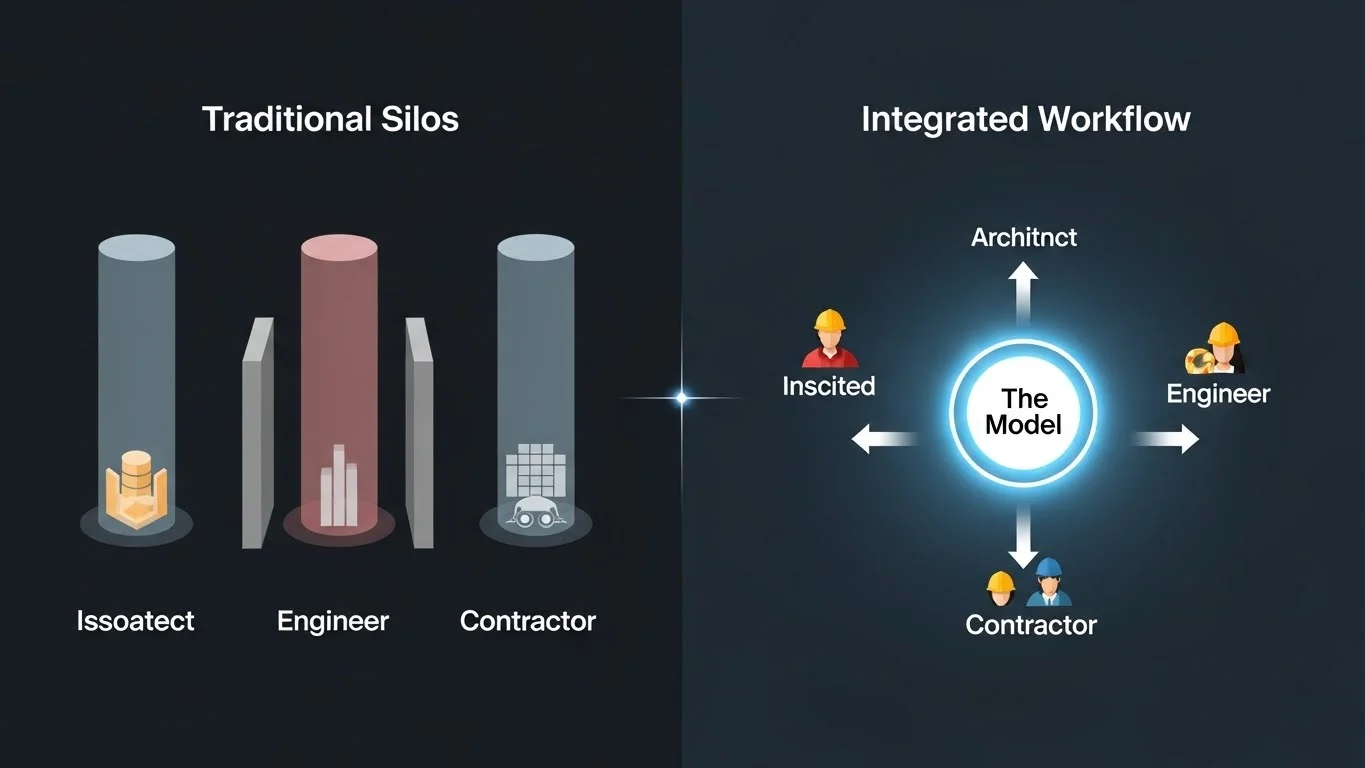
Project Delivery Methods and BIM
The chosen delivery method significantly influences BIM's effectiveness.
- Design-Bid-Build (DBB): This traditional method can stifle BIM's potential because it contractually isolates the design team from the construction team until the bidding phase. The lack of early contractor involvement means the design model often lacks constructability input, leading to redesigns and change orders.
- Integrated Project Delivery (IPD) & Design-Build (DB): These methods are naturally aligned with BIM. They encourage, and often contractually require, the early involvement of key trade contractors. This allows specialized expertise (e.g., mechanical or steel detailing) to inform the design model early, reducing risk and improving constructability. In an IPD environment, the shared risk/reward structure incentivizes the team to use the model to solve problems collectively rather than using it to assign blame.
The BIM Execution Plan (BEP)
The BIM Execution Plan (BEP) is the project's digital operating system. It goes beyond the contract to define the specific mechanics of collaboration. A robust BEP must address:
- Goals and Objectives: What is the "why" behind using BIM? Is it to shorten the schedule, reduce change orders, or provide data for FM?
- Roles and Responsibilities: Who is responsible for modeling specific elements? For example, does the architect model the light fixtures, or does the electrical contractor? Defining this prevents "scope gaps" (where no one models it) and "scope overlap" (where two parties model it, causing clashes).
- Information Exchange: How will data be shared? This includes defining file formats (RVT, IFC, NWD), software versions to ensure compatibility, and the frequency of data exchanges.
- Communication Protocols: Establishing the "media richness" required for different interactions. Knowing when to resolve a model issue via a cloud comment, an email, or a face-to-face meeting is critical for maintaining workflow momentum.
Level of Development (LOD)
To avoid "expectation bias," the team must rigorously define the Level of Development (LOD) for model elements. LOD measures the reliability of the model data, not just the visual detail.
- LOD 100 (Conceptual): Generic representations. A light fixture is just a block.
- LOD 200 (Approximate): Generic systems with approximate quantities, size, and location.
- LOD 300 (Precise): Specific assemblies with accurate dimensions, location, and orientation. Suitable for generating construction documents.
- LOD 350 (Coordination): Includes interfaces with other building systems (e.g., supports, connections). This is critical for trade coordination.
- LOD 400 (Fabrication): Modeled with sufficient detail for fabrication and assembly (e.g., welds, bolts).
- LOD 500 (As-Built): Field-verified representations.
Case in Point: Consider a "kicker" (a structural brace). If the structural engineer models beams at LOD 300 but only annotates kickers in 2D (LOD 100), the mechanical subcontractor running a 3D clash detection will see zero clashes. They might route ductwork right through the space where the kickers will eventually be installed. In the field, this results in a costly conflict, all because the LOD was not clearly defined or understood.
III. Preconstruction: The Digital Rehearsal
Preconstruction is where the project is "built" digitally. This phase transforms BIM from a design tool into a platform for analysis, logistics, and cost certainty. It is the time to leverage the "Empire State of Mind"—referencing the meticulous planning of Starrett Brothers & Eken, who prefabricated and scheduled every piece of steel for the Empire State Building to arrive "just in time". We apply this same rigor today using digital tools.
Model-Based Coordination & Clash Detection
Historically, coordination was performed using 2D light tables, a manual process prone to human error. Today, we use "federated" models that combine architecture, structure, and MEP systems into a single environment for automated clash detection. The goal, however, is not "clash detection" (finding thousands of errors) but "clash avoidance" (designing correctly from the start). Advanced teams use cloud-based tools like Autodesk BIM 360 Glue to identify conflicts in real-time during the design phase. This allows a mechanical engineer to see that their duct hits a beam as they model it, enabling immediate resolution without waiting for a weekly coordination meeting. Effective coordination also requires managing "clearance clashes"—soft clashes where no physical intersection occurs, but a system (like a valve) is placed where it cannot be accessed for maintenance. Modeling "maintenance blobs" or clearance zones ensures these operational needs are preserved.
Model-Based Scheduling (4D)
4D BIM integrates the project schedule with the 3D model, adding the dimension of time. This visualization is critical for:
- Validating Logic: A Gantt chart has thousands of lines; a 4D video makes errors obvious. For instance, a 4D simulation might reveal a column being installed before its footing is cured, or a steel beam hanging in mid-air without support.
- Logistics Planning: 4D allows teams to simulate site flow, crane swings, and material laydown areas. It ensures that the placement of a crane doesn't trap equipment or block access routes as the building rises.
- Communication: It bridges the gap between technical schedulers and field staff, helping everyone visualize the sequence of work.
Model-Based Estimating (5D)
5D BIM links model elements to cost data, allowing for the rapid generation of quantity takeoffs and estimates.
- Visual Validation: Estimators can visualize exactly what has been quantified. If a wall is missing from the estimate, it is visually obvious in the model.
- Rapid Iteration: When design changes occur, the estimate updates automatically. For example, changing a floor finish from carpet to tile in the model instantly updates the cost report, providing real-time feedback on budget impacts.
The "Concrete" Example: In a manual process, calculating concrete volume is tedious. In Revit, you can define a type property for a "6-inch Concrete Floor" with a specific cost per cubic yard (e.g., $140/cy). The software then automatically calculates the total cost based on the modeled volume, even accounting for waste factors if programmed correctly.
However, 5D requires a high-fidelity model. If the model is built poorly (e.g., walls not touching floors), the data will be garbage. This often necessitates a "hybrid" approach where model data is supplemented by manual expertise.
Sustainability Analysis
BIM also enables deep sustainability analysis early in the process. Tools like Sefaira can run real-time analysis on energy use and daylighting as the architect designs. This supports initiatives like the 2030 Challenge, which aims for carbon-neutral buildings. By analyzing building orientation and glazing percentages in the conceptual phase, teams can significantly reduce the facility's long-term energy consumption.
IV. Construction: Realizing the Design
As the project moves to the field, BIM transitions from a planning tool a production and verification tool.
The Feedback Loop
A major chronic issue in construction is the disconnect between the office and the field. BIM bridges this gap by creating a digital feedback loop.
- The Virtual Job Trailer: Modern job sites are moving away from paper. Field crews use "BIM Kiosks" (digital plan tables) or tablets to access the latest models and drawings. This ensures they are building from the most current information, reducing rework caused by outdated plans.
- Cloud Collaboration: Tools like BIM 360 Field allow superintendents to flag issues (e.g., a damaged frame) directly on the iPad in the field. This issue is pinned to the specific location in the model, instantly notifying the project manager and the responsible subcontractor.
Installation Verification & Laser Scanning
BIM is critical for verifying that the physical reality matches the digital plan.
- Laser Scanning: Contractors are increasingly using laser scanners to capture "point clouds" of installed work. This can be done for concrete slabs, steel framing, or MEP rough-ins.
- Scan-to-BIM: By overlaying the field scan onto the design model, teams can instantly spot deviations. For example, they might find that a floor slab is unlevel or a pipe is 2 inches off. Catching this before walls are closed up prevents compounding errors. This process validates the "work in place" and can even be used to approve subcontractor payment applications based on verified progress.
Material and Equipment Tracking
BIM extends to managing the physical assets on site.
- Material Tracking: Using barcodes or RFID tags, teams can track materials from the factory to the installation site. Statuses like "In Fabrication," "Shipped," "On Site," and "Installed" can be visualized in the model using color-coding. This supports Lean "Just-in-Time" (JIT) delivery, ensuring materials arrive exactly when needed, reducing site congestion.
- Equipment Management: Apps allow crews to scan equipment on site to access maintenance records, load capacities, and safety manuals instantly.
Safety Planning
Safety is paramount. BIM allows for "Safety by Design." Teams can model safety rails, tie-off points, and exclusion zones directly into the 4D simulation. This allows them to identify hazards—like a crane flying a load over an active work area—before they occur in the field.
V. The Cost of Ownership and Operations
.webp "Total Cost of Ownership Iceberg")
The true value of BIM extends far beyond the construction handover. To fully grasp this, we must consider the Total Cost of Ownership (TCO).
The Cost of Ownership
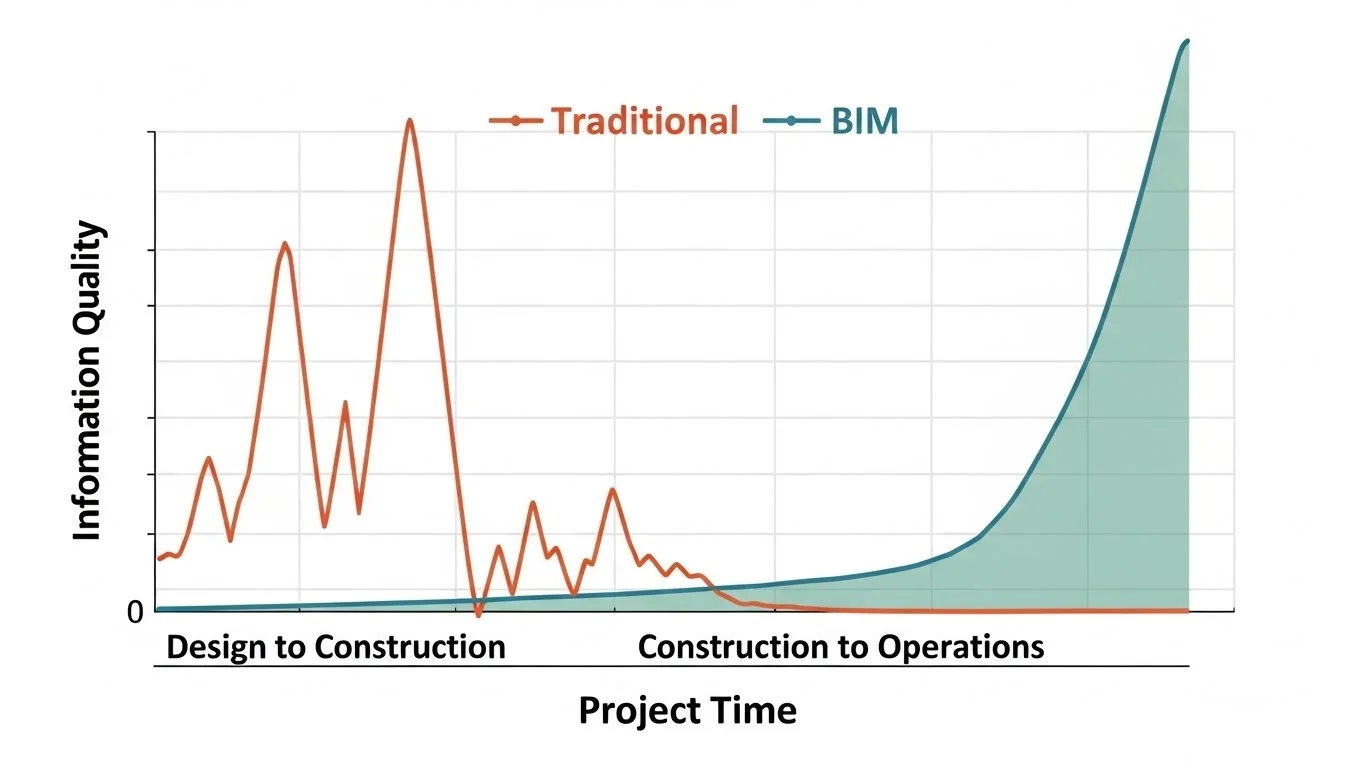
Research indicates that approximately 85% of a facility's lifecycle cost is incurred during operations and maintenance (O&M), with only a small fraction spent on design and construction. Despite this, the traditional handover process is almost entirely focused on construction closeout. Owners are typically handed "dumb" data—stacks of paper binders, unlinked PDFs, and boxes of manuals. This data is difficult to search and integrate. The "Interoperability Cost"—the money wasted by staff spending hours searching for information to fix equipment—is a massive, recurring drain on resources.
Redefining Deliverables: Artifact vs. Constant
To solve the handover problem, we must distinguish between two types of deliverables:
- Artifacts: These are static documents that represent a point in time. Examples include approved submittals, commissioning reports, permits, and warranties. They provide the legal and historical record.
- Constants: This is the "living" data—the BIM itself. The model represents the current state of the facility. It is dynamic and should be updated as the facility changes (e.g., during renovations).
The Hybrid Approach: A successful handover links these two. The model (Constant) acts as the visual interface. A facility manager should be able to click on a VAV box in the 3D model and immediately access its specific warranty, O&M manual, and submittal (Artifacts). This creates a user-friendly "single source of truth".
Analogy: Think of buying a piece of furniture that needs assembly. The instruction manual (Artifact) lists the parts. If you lose the manual, you might struggle to fix it later. BIM provides a "digital twin" of that furniture where you can click on any screw or panel to see exactly what it is and how to replace it.
The Record Model (As-Built)
Creating a useful Record Model requires early definition of responsibilities.
- Contractor's Role: Contractors are best positioned to update the model because they are physically on-site witnessing the changes. They can capture the precise location of concealed utilities (like in-wall piping) before they are covered.
- Data Integration: The Record Model must contain more than just geometry; it needs data. This includes serial numbers, installation dates, filter types, and spare parts lists. This transforms the model from a 3D shape into a queryable visual database.
Integration with FM Systems
The ultimate goal is the seamless integration of BIM data into Computerized Maintenance Management Systems (CMMS) or Facility Management (FM) systems.
- CMMS Connectivity: By using unique identifiers (GUIDs) or barcodes, model elements can be linked directly to the FM database. This allows for the automated population of the asset registry, saving months of manual data entry.
- Commissioning: BIM can track the commissioning process. Instead of a static spreadsheet, the model can visualize which systems have passed functional testing and which are still pending, providing a clear "readiness" dashboard for the owner.
- Maintaining the Model: For the Record Model to remain a "Constant," it must be maintained. Owners must establish protocols for updating the model during future renovations. Without this, the model quickly becomes obsolete—just another static "Artifact" of the original construction.
Conclusion: The Future of the Industry
BIM implementation is a journey, not a destination. It requires a holistic view that spans strategic planning, preconstruction, construction, and operations. By balancing processes, technologies, and behaviors, and keeping the end-goal of lifecycle data management in mind, organizations can move beyond "BIM washing" to realize the technology renaissance. The industry is moving toward a future of "augmented intelligence," where data drives design, and teams are connected by open-source platforms and shared goals. The shift from improved efficiency in construction to total lifecycle optimization offers the greatest opportunity for reducing waste and increasing value in the built environment.