4D BIM Solutions

Visualize Time.
Master Construction.

Advanced 4D Scheduling integrating Primavera, Revit, and Navisworks for precise sequencing and risk mitigation.

Understanding 4D BIM: The Digital Rehearsal for Construction

Build it Virtually Before You Build it For Real.

4D BIM is not just animation; it is the integration of Time into the 3D model. It transforms static schedules into dynamic simulations to validate logistics, detect risks, and ensure project certainty.

Risk Reduction

Identifying "Temporal Clashes" (conflicts based on time) before mobilization.

Safety Planning

Visualizing "No-Fly Zones" for cranes and safety perimeters for hazardous work.

Schedule Certainty

Validating the logic visually to reduce on-site delays.
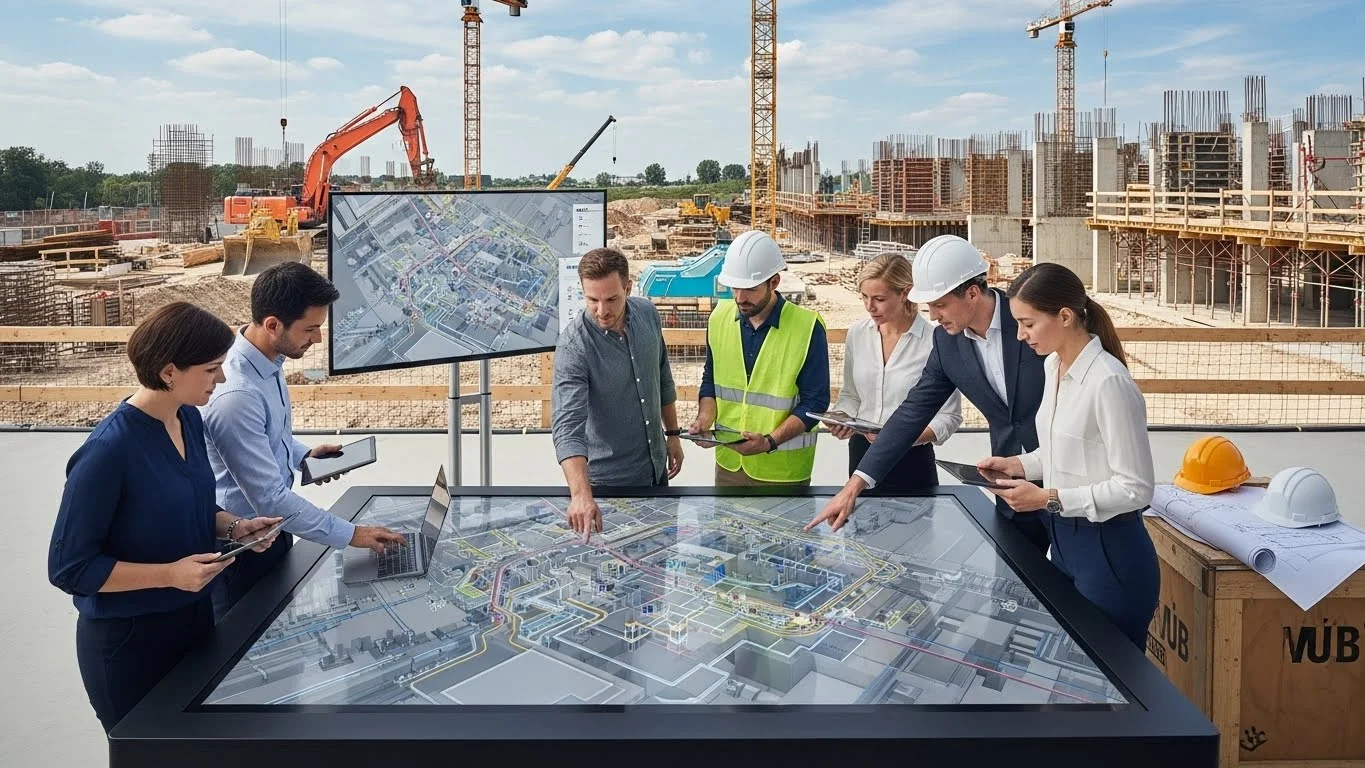
BIM Meeting Collaboration
Workflow

The 4D Scheduling Process

1

1. Data Aggregation

The process begins by gathering the two primary data sources: the 3D Models (Geometry) and the P6 or MS Project Schedule (Time). These are the raw ingredients of the simulation.

2

2. Model Linking

Using specialized software, schedule tasks are mapped to 3D components. This creates a unified information model where every beam, pipe, and slab knows exactly when it is supposed to be installed.

3

3. Simulation & Analysis

The team runs the simulation to "stress test" the schedule. This includes checking for Soft Clashes (e.g., does the drywall crew block the path for the equipment delivery?) and optimizing the sequence for efficiency.

4

4. Monitoring

During construction, the 4D model acts as a tracker. Teams can overlay the "Actual Progress" against the "Planned Schedule" to visually spot if a specific zone is falling behind.

Construction Scheduling Background
Live Simulation

See 4D in Action

Watch how we transform static Gantt charts into dynamic, visual construction sequences that highlight delays before they happen.

Real-time Phasing
Logistics Flow

The Evolution of Scheduling

From Gantt Charts to Visual Simulations

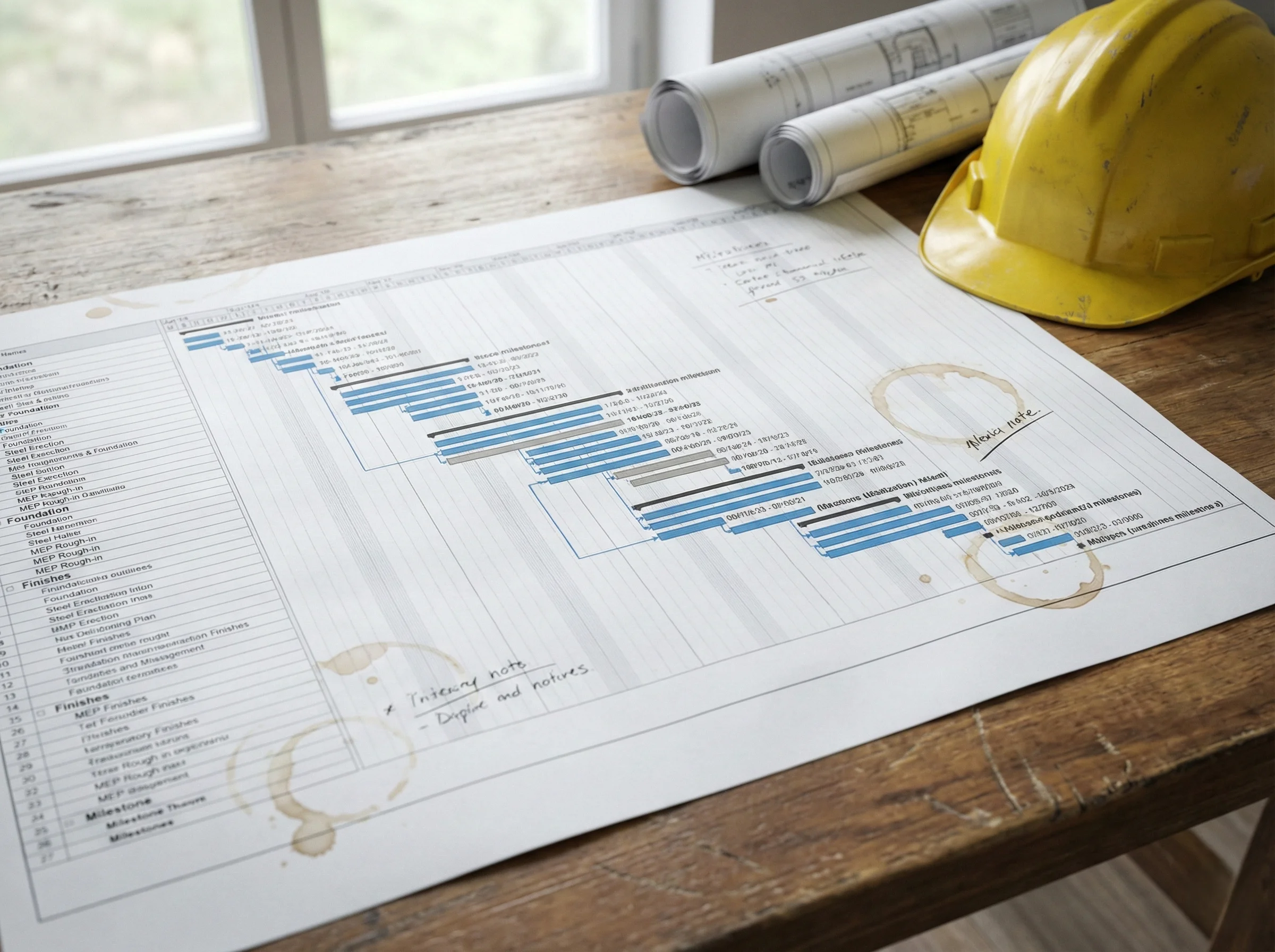
Traditional Gantt Chart
The Challenge

The Limits of 2D Schedules

For decades, construction schedules have been managed using "Gantt Charts"—lines and bars on a spreadsheet. While useful, these charts are abstract. They cannot show you if a crane swing will hit a building or if two crews are trying to work in the same hallway at the same time. Traditional schedules rely on imagination, which often leads to "soft clashes" and logistical conflicts in the field.

The Concept
Syncing...
Phase: Structural Steel
Week 24

4D BIM Explained

4D Building Information Modeling (BIM) bridges the gap between the schedule and the model. By linking specific timeline activities to 3D building elements, we create a "Digital Rehearsal" of the construction process. This allows teams to see the building rise virtually, revealing logic errors (like a beam appearing before its column) that a spreadsheet simply cannot show.

Expertise

Industries That 4D Serve

Delivering customized 4D scheduling solutions tailored to the unique demands of diverse construction sectors.

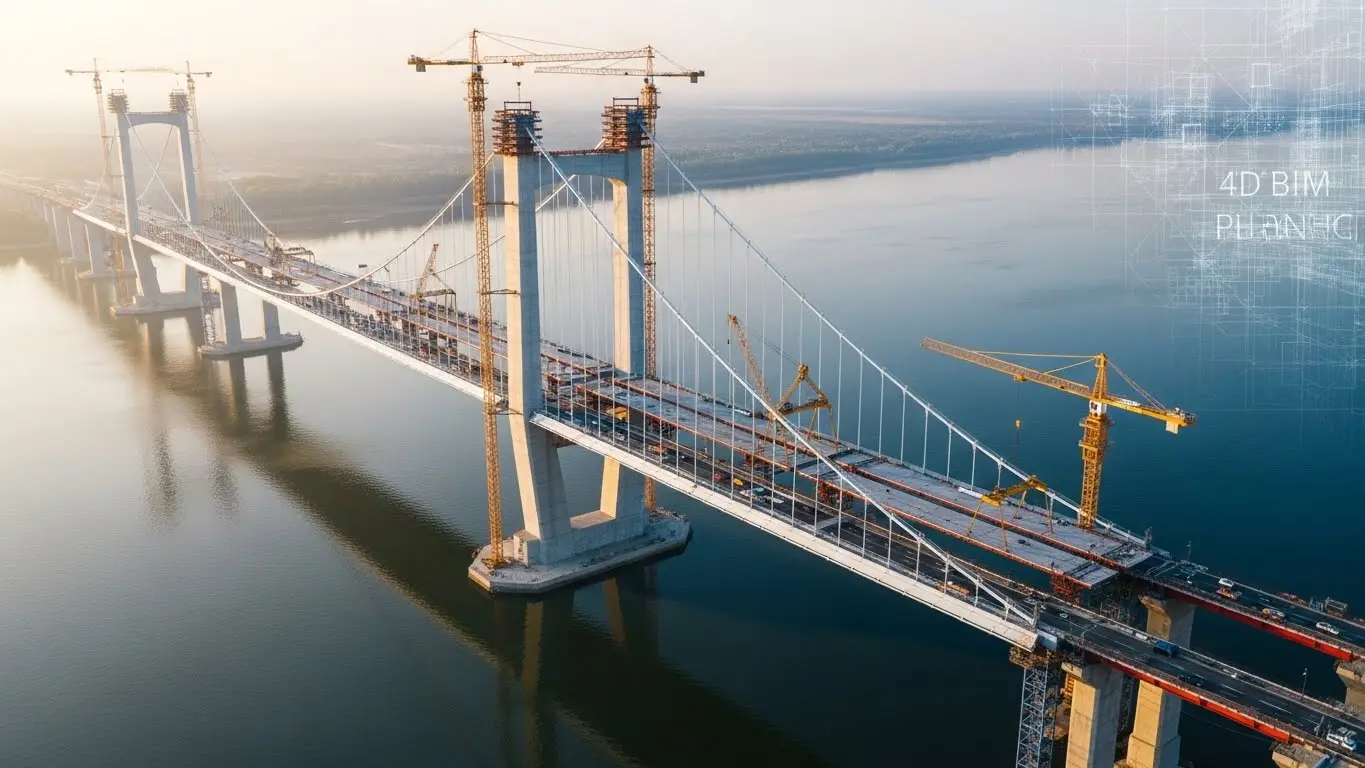
Infrastructure Projects
Infrastructure
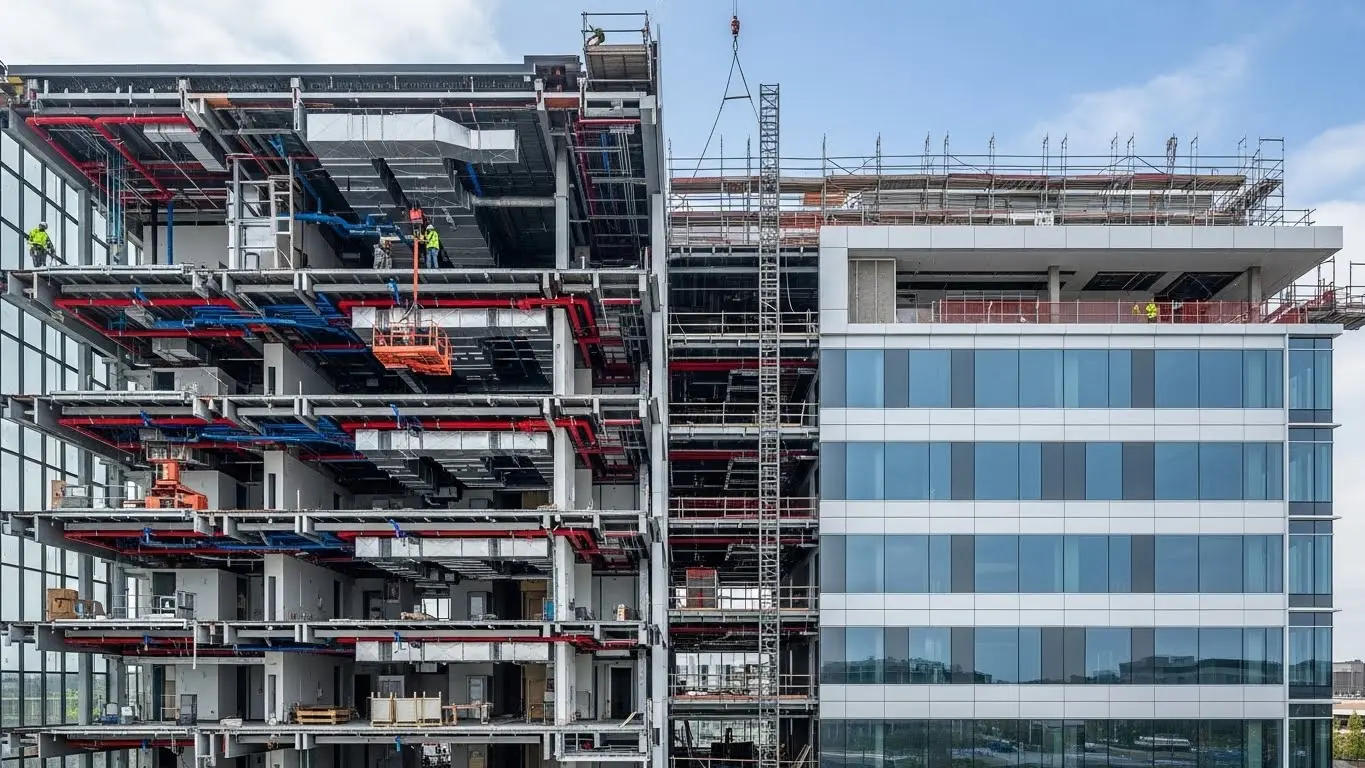
Healthcare Facilities
Healthcare
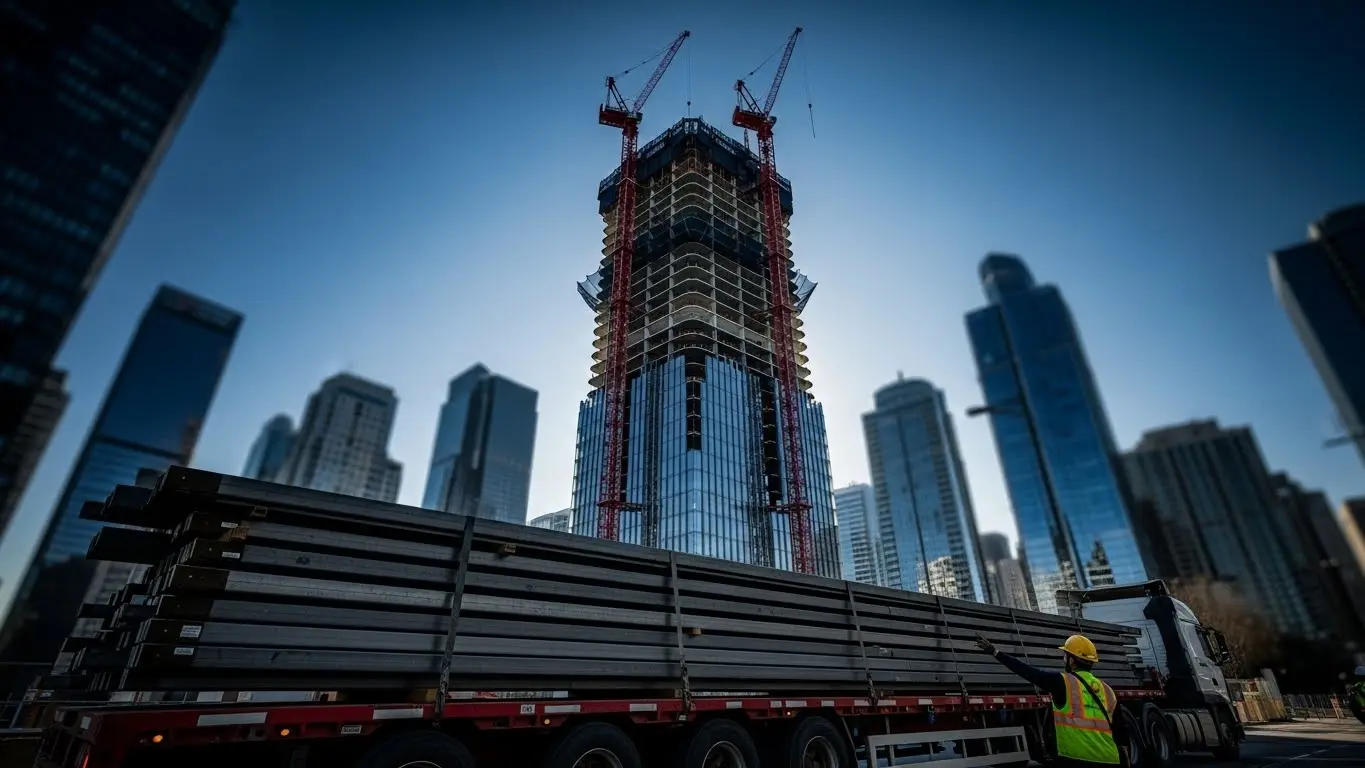
High-Rise Buildings
High-Rise
Industrial Plants
Industrial

Powered by Industry Leading Software

Autodesk Revit Navisworks Manage Oracle Primavera P6 Synchro Pro Microsoft Project
Comparison

4D vs. 5D: Understanding the Dimensions

BIM adds "Dimensions" to the standard 3D model. Here is the difference between the two most common analytical dimensions.

4D BIM (Time) 5D BIM (Cost)
Primary Focus Integration of Schedule & Logistics Integration of Budget & Estimation
Key Function Validating sequences, safety zones, and "soft clashes" Generating quantity take-offs and tracking cost trends
Best Used For Operational planning ("How do we build it?") Financial planning ("How much will it cost?")

The Core Benefits of 4D Analysis

Why integrate Time into BIM?

Visual Validation

It creates a universal language. A subcontractor may not understand a 5,000-line schedule, but they immediately understand a video showing their work area blocked by another trade.

Logistics & Site Flow

It allows for the detailed planning of temporary works—where to put the cranes, where to store materials (laydown areas), and how trucks will enter and exit the site.

Conflict Detection

Beyond physical clashes (geometry vs. geometry), 4D finds workflow clashes (workflow vs. time).

Tender & Bidding

For project owners, a 4D simulation demonstrates that the contractor has a feasible, well-thought-out plan, increasing confidence in the bid.

Output

What 4D Deliver

Phasing Simulations

Visual animations (MP4) showing the construction sequence from excavation to handover.

Clash Reports

Documents highlighting specific logistical conflicts (e.g., "Crane 1 blocks Access Road B on Week 12").

Planned vs. Actual Visuals

Split-screen views comparing where the project should be versus where it is.

Site Logistics Maps

Visual layouts of fences, gates, hoists, and material storage zones for every phase of construction.

Frequently Asked Questions

Our Latest Blog

The Holistic Guide to BIM Implementation: From Strategic Planning to Facility Management

Read More

Leveraging BIM for Preconstruction: Analysis, Scheduling, and Cost Trending

Read More

Bridging the Gap: Integrating Mobile Technology and BIM for Field Construction

Read More

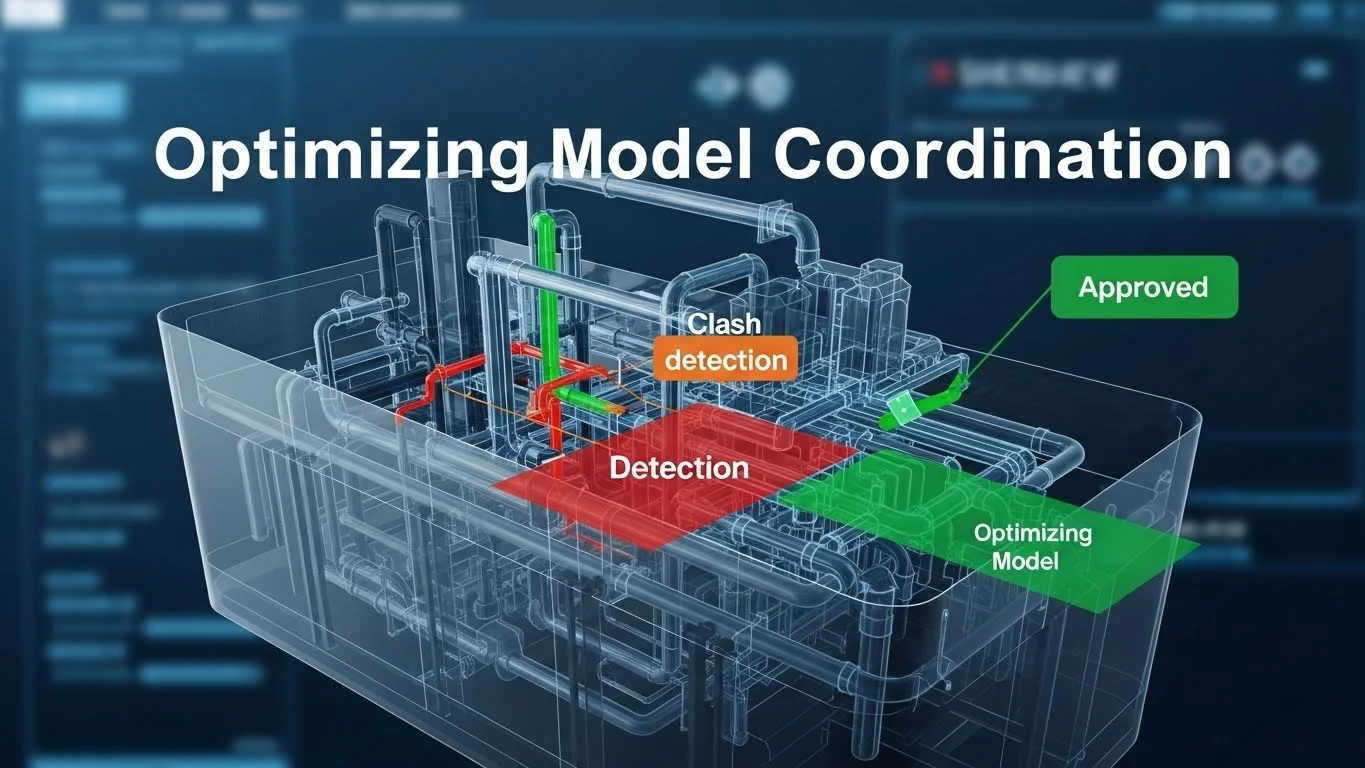
Optimizing Model Coordination: Strategies for Clash Detection and Fabrication

Read More

The Owner's Perspective: Strategies for BIM Closeout and Lifecycle Facility Management

Read More

Is Your Construction Schedule Optimized?

How Strategic Planning Reduces Overhead and Mitigates Risk.

Your information is secure. We never send spam.